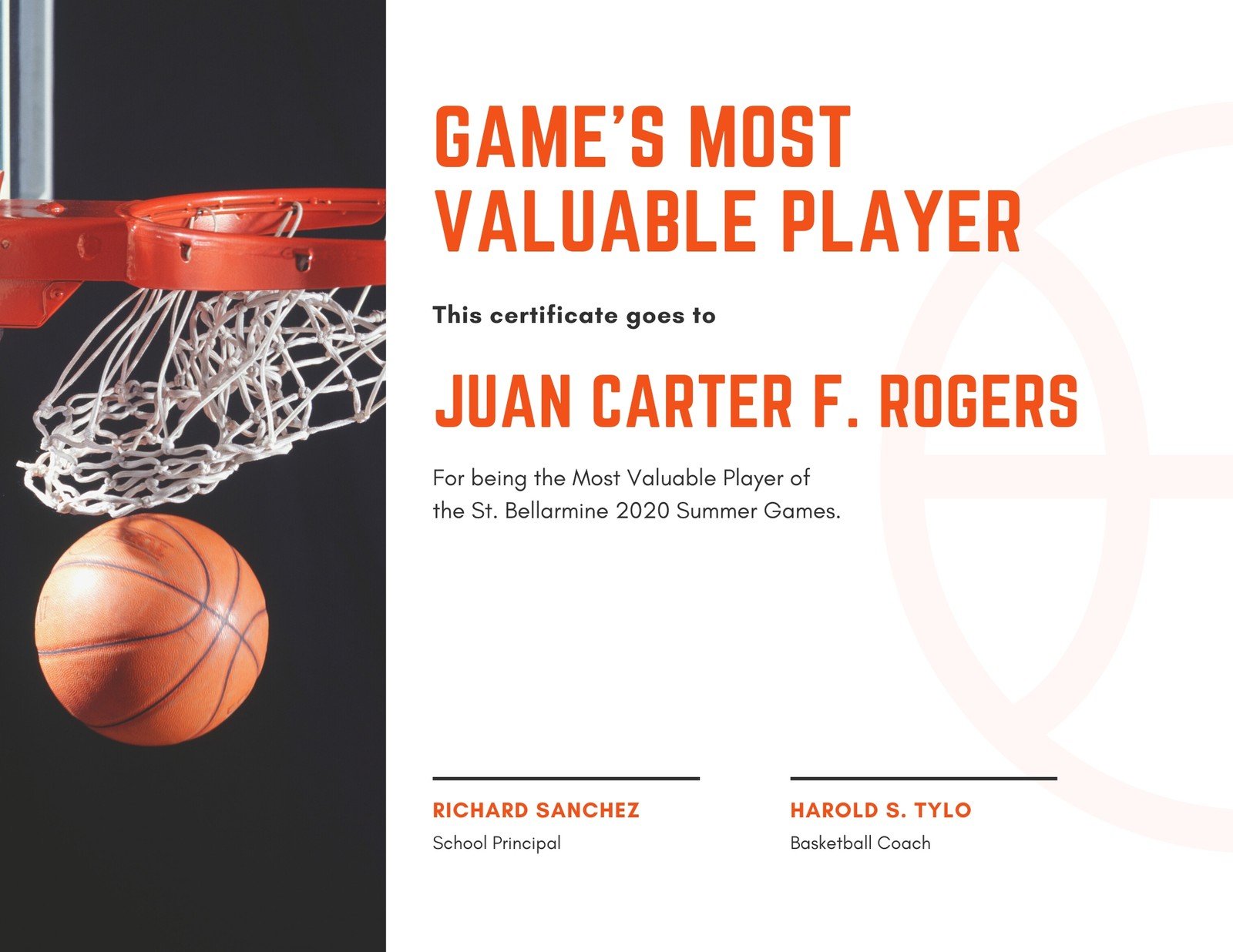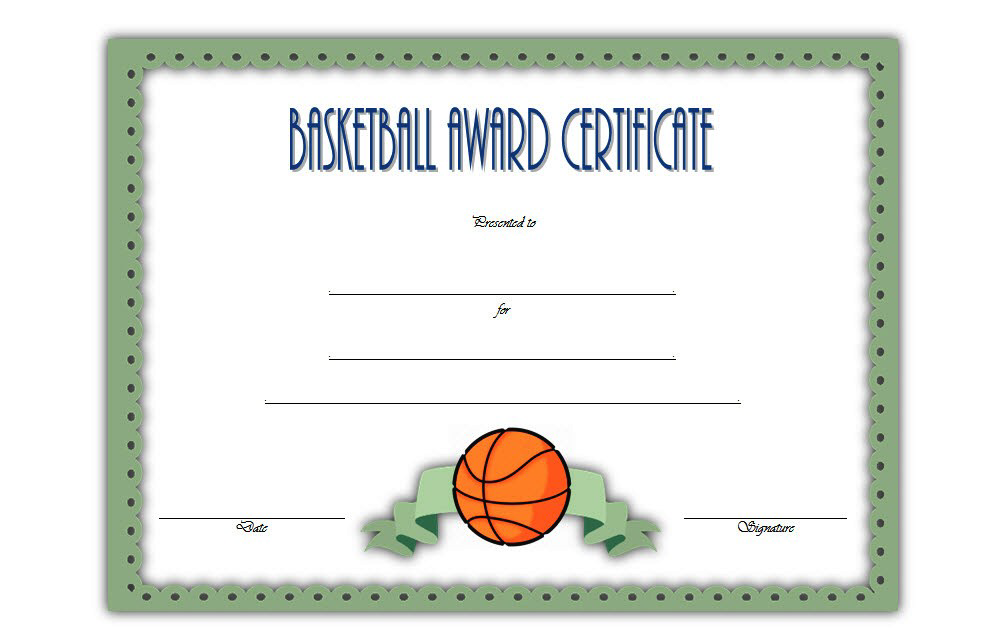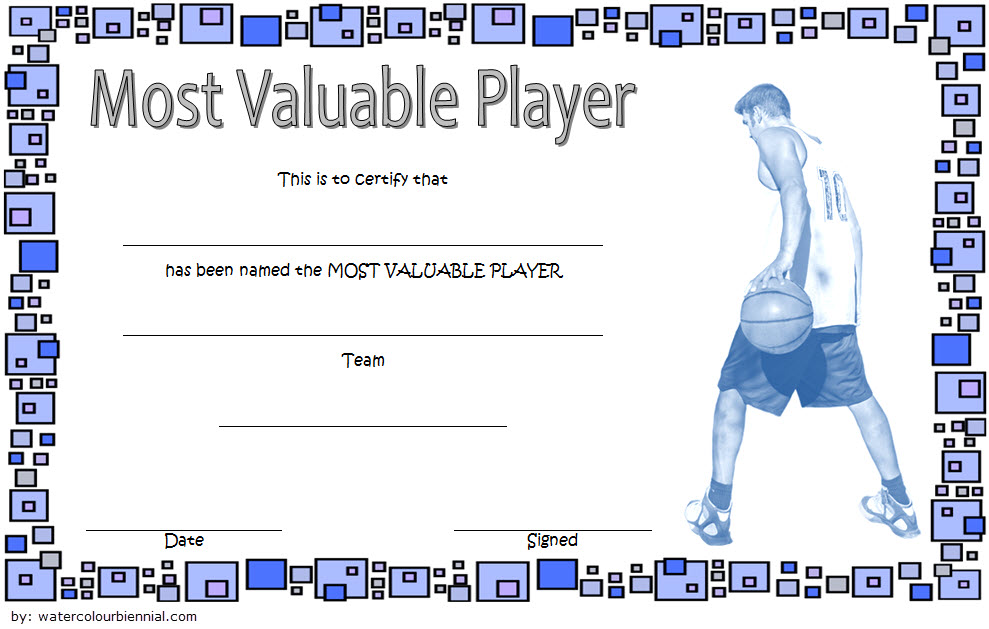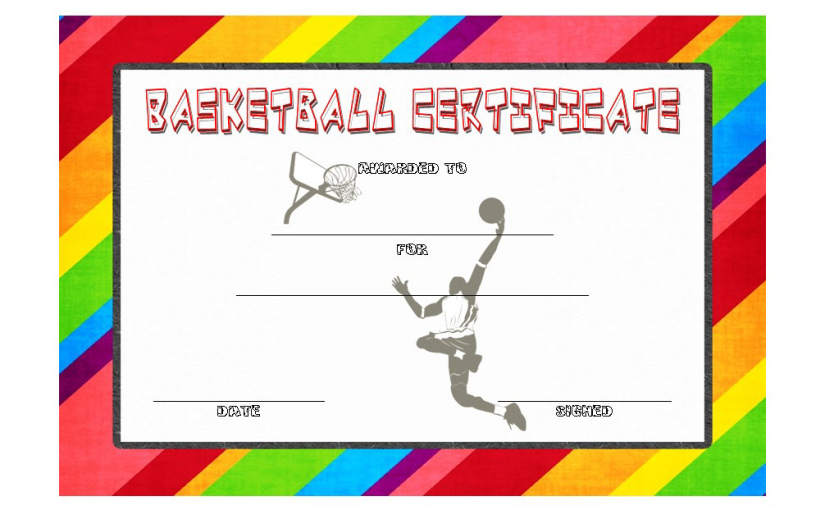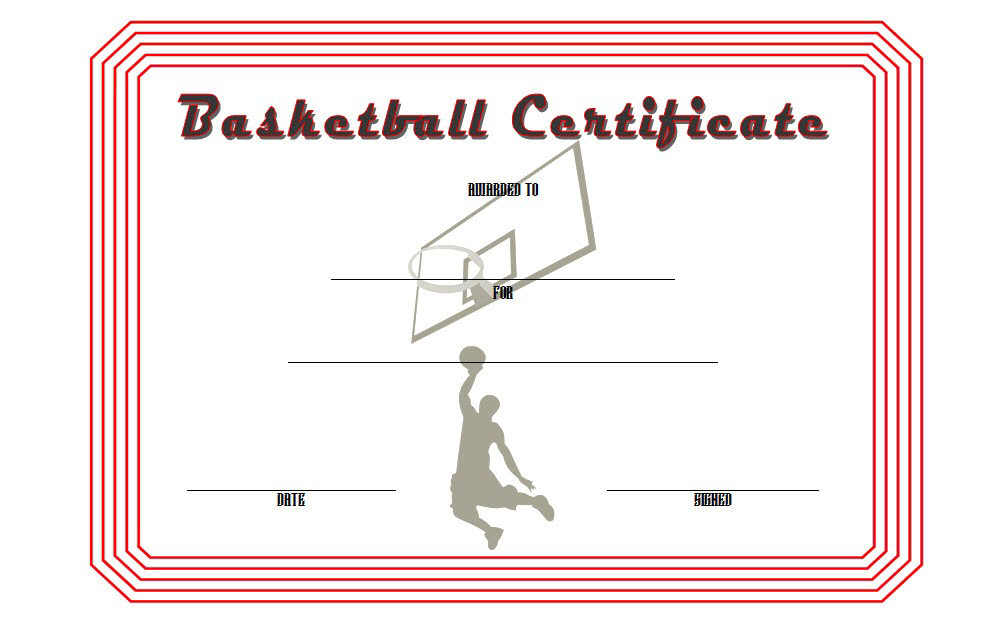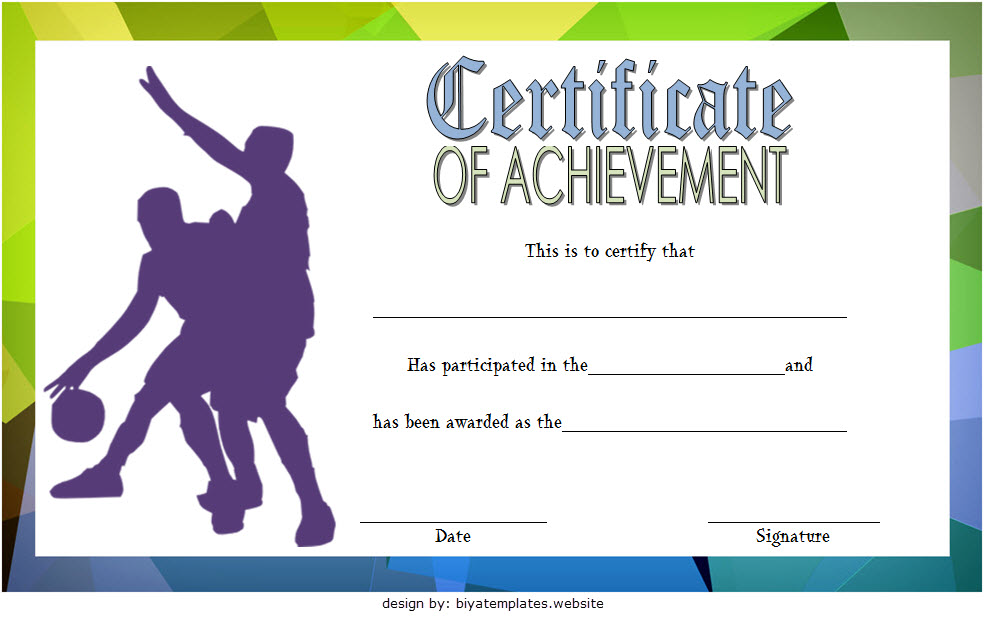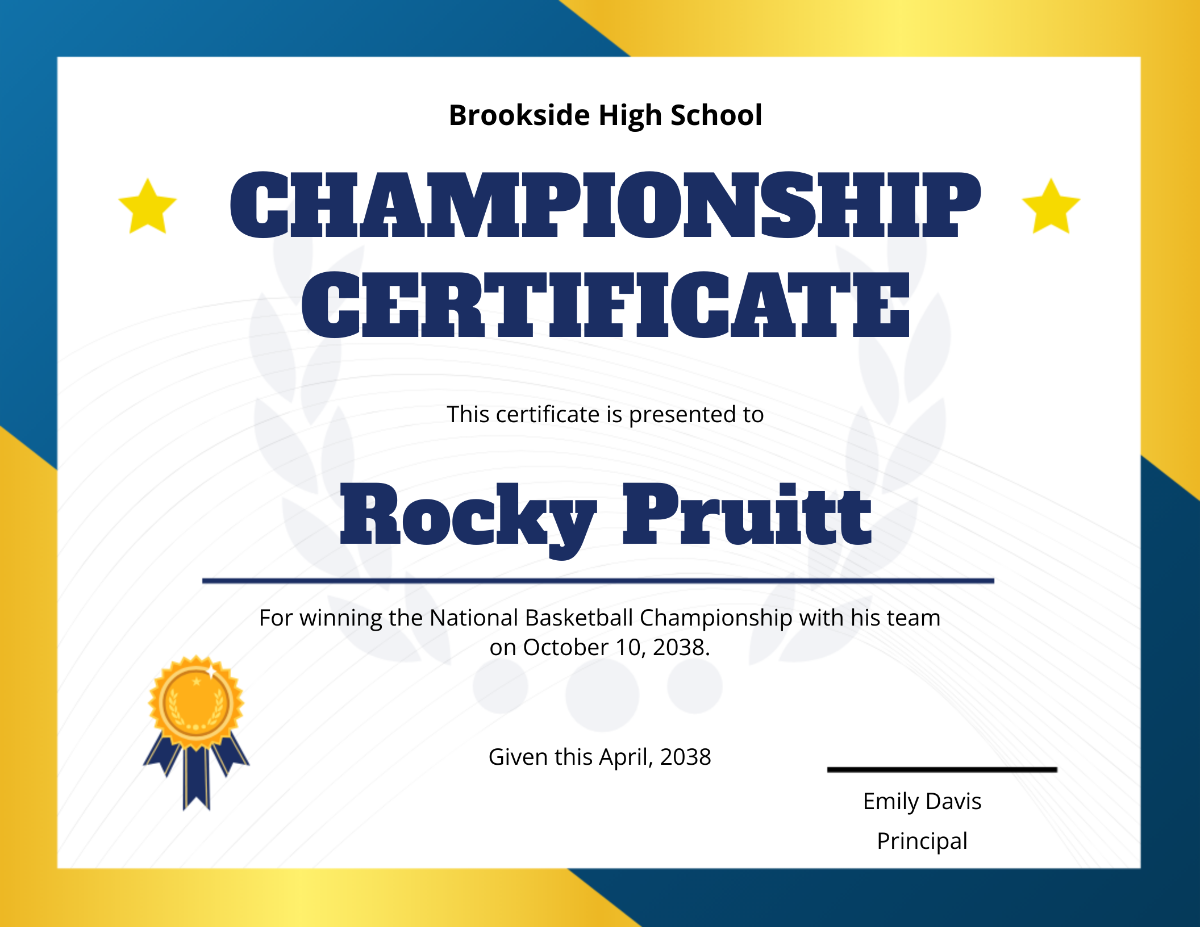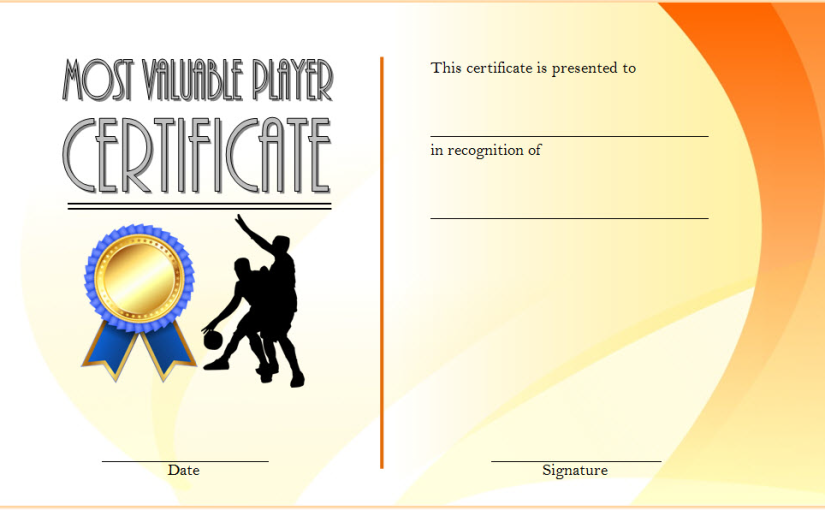
Basketball MVP Certificate Template (2025 Best Player Award Designs)

Basketball MVP Certificate Template: Celebrate the True Court Legends!

Let’s face it—every team has that one player who can change the game with a single move. Maybe it’s a clutch three-pointer, a block that saves the game, or the kind of pass that makes the crowd go wild. That’s your MVP—the Most Valuable Player. And what better way to recognize that than with a Basketball MVP Certificate Template that screams, “You’re the real deal!”

In this guide, we’ll explore creative ideas, witty wording, and pro-level design tips for crafting the ultimate Basketball MVP Certificate Template. Whether you’re designing for a school league, community tournament, or just a friendly game among friends, this post will show you how to turn a simple piece of paper into a court legend.

Why Every Team Needs a Basketball MVP Certificate Template

Basketball isn’t just about scoring points—it’s about leadership, teamwork, and hustle. The Basketball MVP Certificate Template celebrates the player who embodies those traits. It’s not just an award—it’s proof of dedication, sweat, and heart.

Think of it like the championship ring of certificates. Whether your MVP is draining threes or boosting team morale from the bench, the right certificate gives them the recognition they deserve.

Plus, let’s be real—MVP certificates also make great bragging material for social media. Who wouldn’t post, “Guess who just got MVP?” with a trophy emoji?

Designing the Perfect Basketball MVP Certificate Template

Creating an MVP certificate isn’t as hard as guarding Stephen Curry. You just need the right elements, a little creativity, and a sense of humor.

Essential Elements of a Winning Design

  1. A Bold Title: The spotlight moment. Titles like “Most Valuable Player,” “Season MVP,” or “Ultimate Game Changer” work best.
  2. Player’s Name: Center stage—make it big, make it shine.
  3. Award Description: Add a line like, “For exceptional leadership and game-winning performance.”
  4. Coach’s Signature: Adds that official touch (bonus points if you have dramatic handwriting).
  5. Team and Season Info: Include team name, league, and season year for memory’s sake.
  6. Design Elements: Basketball icons, dynamic shapes, or even a faint court background.

Pro Design Tips for That All-Star Look

  • Use Team Colors: It instantly connects the design to your squad.
  • Go Bold with Fonts: Varsity-style or sans-serif fonts scream power and confidence.
  • Highlight the Player’s Name: Use contrasting colors or subtle glow effects.
  • Keep It Balanced: Don’t overcrowd—white space is your friend.
  • Add Motion: Angled borders or swoosh lines can make the design feel energetic and alive.

A great Basketball MVP Certificate Template should feel dynamic—like it could jump off the page and dunk.

Creative Variations of the Basketball MVP Certificate Template

The MVP might be the headliner, but your team probably has other stars worth recognizing. You can diversify your designs to make every award feel special.

Basketball MVP Award Certificate

This is the crown jewel of your awards night—the Basketball MVP Award Certificate. It’s not just about who scored the most points, but who made the team better. Include a line like:

“Awarded to [Name] for exceptional skill, dedication, and leadership both on and off the court.”

You can use gold accents or embossed-style typography to make this one stand out. A bold MVP logo or dynamic basketball background seals the deal.

Get also: Basketball Award Certificate Template

Basketball Most Valuable Player Certificate

This version focuses more on recognition than design flair. It’s clean, classy, and ideal for schools or youth tournaments. Keep it simple but elegant:

“Presented to [Name] as the Most Valuable Player for demonstrating excellence, teamwork, and passion throughout the season.”

Think of this as the certificate equivalent of a Tim Duncan performance—understated but elite.

Get also: Free Basketball Certificate Template Word

Personalizing Your Basketball MVP Certificate Template

A great design catches the eye, but personal touches win the heart. Customizing your Basketball MVP Certificate Template adds sentimental value that turns an award into a lifelong keepsake.

Add Player Highlights and Stats

Stats make everything official—and impressive. Include:

  • Points per game
  • Rebounds
  • Assists
  • Shooting percentage
  • Game-winning moments or highlights

A quick blurb like “Averaged 22 points and 10 rebounds per game” transforms the certificate from generic to personal.

Add Meaningful Quotes and Messages

Include motivational quotes or inside jokes from the team:

  • “Hard work beats talent when talent doesn’t work hard.”
  • “You miss 100% of the shots you don’t take.” —Wayne Gretzky (or Michael Scott)
  • “Presented for carrying the team (and sometimes the snacks).”

Humor and sincerity go a long way—especially if you’re creating certificates for younger players or community events.

Get also: Free Soccer Award Certificate Template

Wording Examples for Basketball MVP Certificates

The words you choose make a huge difference. Go beyond the basics with wording that’s both inspiring and memorable.

Professional Wording Example

“This Basketball MVP Certificate is proudly presented to [Name] in recognition of exceptional skill, leadership, and consistent excellence throughout the [Year] season.”

Fun & Creative Wording Example

“For breaking ankles, draining threes, and making it look easy—congratulations [Name], the undisputed MVP of the season!”

“Awarded to [Name] for making defenders question their life choices. You’re the real MVP.”

A little humor never hurt anyone—unless you’re the one getting crossed over.

Get also: Free Printable MVP Certificate

Extra Design Touches That Make a Difference

To elevate your Basketball MVP Certificate Template, consider:

  • Metallic Finishes: Use gold or silver gradients for text accents.
  • Textured Backgrounds: Subtle hardwood or court-line patterns.
  • Icons and Silhouettes: A dunking player, hoop, or net for flair.
  • Dynamic Layouts: Angled shapes and shadows for a 3D effect.

These finishing touches separate a “nice certificate” from an “instant classic.”

Tips for Printing and Presenting the MVP Certificate

Presentation is everything. Handing out your Basketball MVP Certificate Template should feel like the NBA Finals.

  1. Use Premium Paper: Go for 200gsm or above—thick and durable.
  2. Print in High Resolution: 300 DPI for crisp visuals.
  3. Add an Embossed Seal or Logo: Gives a professional look.
  4. Frame It Up: It’s MVP-level recognition—make it frame-worthy.
  5. Announce It with Flair: Play music, give a mini speech, and let the crowd cheer!

Pro Tip: Have someone take a photo or video when presenting it. That moment will live forever—especially when the MVP reposts it with #BallIsLife.

Common Mistakes to Avoid When Creating Your MVP Certificate

Even championship coaches make mistakes—don’t let your design commit a foul.

  • Overcrowding Text: Keep it readable.
  • Too Many Fonts: Two is enough. This isn’t a typography mixtape.
  • Clashing Colors: Stick with two or three complementary shades.
  • Ignoring Margins: Leave breathing room around edges.
  • Forgetting Proofreading: Misspelling “Valuable” is not a good look.

Clean, consistent, and confident—that’s how your certificate (and team) should look.

Final Thoughts: Turn Every MVP Moment into a Legend

A Basketball MVP Certificate Template isn’t just about paper—it’s about pride, performance, and memories that last. Whether it’s a Basketball MVP Award Certificate for your top performer or a Basketball Most Valuable Player Certificate for your school league hero, each design celebrates greatness on and off the court.
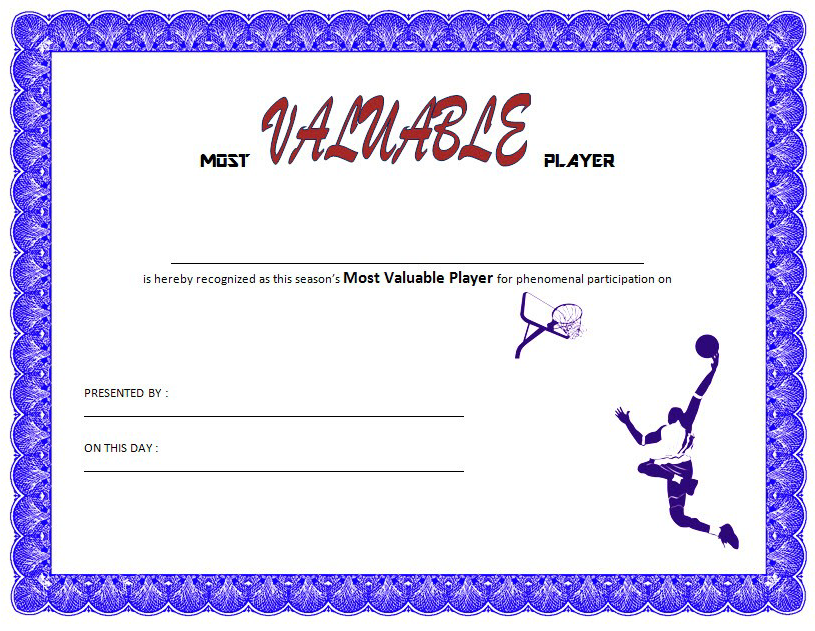
So go ahead—create that masterpiece, hand it out with a grin, and remind your players that every drop of sweat counted. Because in the end, the best part of basketball isn’t just winning games—it’s celebrating the people who make them unforgettable.

Now get ready, coach—it’s award season, and your MVPs are waiting! 🏀🔥
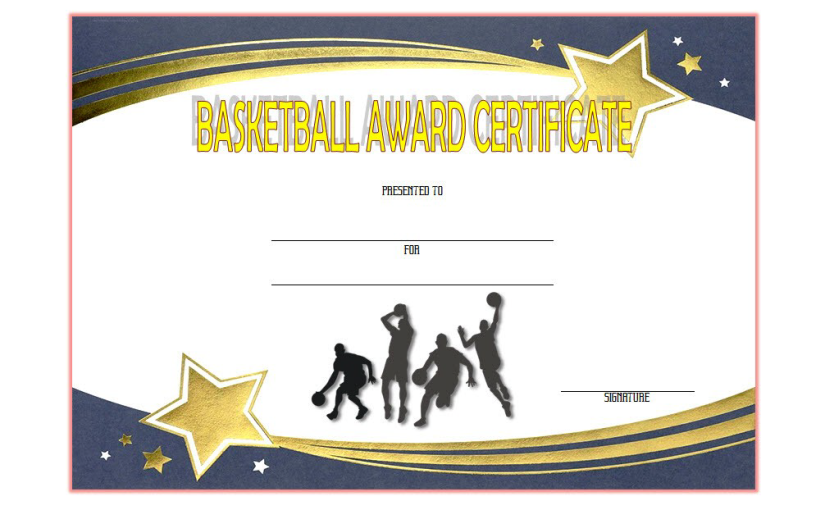
Basketball Award Certificate Template Free (2025 New Design)

Basketball Award Certificate Template: Recognize Every Slam Dunk with Style!

Let’s be honest—nothing feels quite as good as being recognized for your hard work on the court. Whether you’re handing out MVP trophies, high-fives, or good old-fashioned bragging rights, a Basketball Award Certificate Template can make any achievement feel legendary. You don’t need to be Phil Jackson or a design wizard to make one look great—all you need is creativity, a dash of humor, and the right playbook (that’s what this article is for!).

So lace up, team—this post is your guide to creating epic, professional, and totally frame-worthy basketball certificates. We’ll break down design ideas, witty wording examples, and killer layout tips that will turn your certificates into slam dunks!

Why Every Team Needs a Basketball Award Certificate Template

In basketball, effort counts as much as skill. Every player—whether they’re sinking threes or tripping over their own shoelaces—deserves recognition. That’s where the Basketball Award Certificate Template shines. It immortalizes those moments of sweat, teamwork, and hustle.

A well-crafted certificate says, “You gave your best, and we see you.” It’s not just about winning—it’s about celebrating effort, consistency, and that one player who brings snacks for everyone after practice. With a certificate, every player gets their moment in the spotlight.

And hey, even LeBron had to start somewhere.

Designing the Ultimate Basketball Award Certificate Template

Designing your own certificate might sound like a full-court press, but trust me—it’s easier than hitting a free throw in an empty gym. The trick is knowing which elements make a design pop.

Key Elements Every Certificate Should Have

  1. A Strong Title: “Most Valuable Player,” “Best Rebounder,” or even “Master of the Free Throw Line.” Keep it short, bold, and powerful.
  2. Recipient’s Name: Make it shine! Nothing says “you matter” like seeing your name in big, fancy letters.
  3. Award Description: Add a personal touch. “For outstanding hustle and unwavering team spirit.”
  4. Team or League Info: Include season details, coach’s name, and year.
  5. Coach’s Signature: The stamp of authenticity.
  6. Graphics: Think basketballs, hoops, sneakers, or even a slam-dunk silhouette.

A great design balances structure and creativity. You’re not just giving paper—you’re giving a keepsake.

Pro Design Tips for a Winning Look

  • Use Team Colors: Tie your certificate design to your team’s jersey colors.
  • Bold Fonts Win: Block, varsity, or sans-serif fonts give that all-star look.
  • Add Texture: Subtle hardwood or net textures give a professional feel.
  • Borders Matter: Use clean, strong lines or trophy-inspired frames.
  • Keep It Legible: No one wants to squint like a referee during overtime.

Design your Basketball Award Certificate Template like a playbook—simple, efficient, and powerful.

Types of Basketball Award Certificate Templates for Every Player

You can customize certificates to match your team’s personalities. From serious MVP awards to lighthearted “Most Likely to Miss a Dunk” trophies, the sky’s the limit.

Classic Recognition Certificates

  • Basketball Achievement Certificate Template: Perfect for recognizing consistency and skill improvement. “Awarded to [Name] for relentless dedication and outstanding improvement this season.”
  • Basketball MVP Certificate Template: For the player who carried the team through thick and thin (and maybe hit that game-winning shot at the buzzer!).
  • Best Defensive Player: For the wall nobody can get past.
  • Most Improved Player: Because growth deserves its own highlight reel.
  • Coach’s Choice: When stats can’t measure heart.

Fun & Creative Award Certificates

  • The Dunk King Award: For the player who believes gravity is optional.
  • Bench MVP: For the loudest cheerleader and the biggest energy on the sidelines.
  • Free Throw Philosopher: For the player who turns every missed shot into a motivational quote.
  • Sneaker Style Icon: Because drip matters, even in sports.
  • Best Game Face: For that intimidating glare that scares opponents (and occasionally referees).

The beauty of the Basketball Award Certificate Template is that it lets you recognize every type of player—from the top scorer to the team clown.

Get also: Basketball Most Valuable Player Certificate Template

Personalizing Your Basketball Achievement Certificate Template

Personal touches make all the difference. Nobody wants a generic template that looks like it came from 1999’s clip art library. Here’s how to make your Basketball Achievement Certificate Template stand out.

Make It Personal and Meaningful

  • Add player stats: points per game, rebounds, or assists.
  • Include coach comments: “For being the heartbeat of the defense.”
  • Use nicknames: “Presented to Lightning Larry for his unstoppable speed.”
  • Include team mottos or slogans.
  • Add a personal quote: “Champions train when no one is watching.”

Each small detail adds sentimental value—just like a signature play that fans never forget.

Visual Enhancements for a Pro-Level Look

  • Add subtle gold or silver gradients for premium awards.
  • Use shadows behind text for better readability.
  • Insert basketball-themed icons near the title or player name.
  • Keep spacing clean and consistent.
A visually clean design communicates professionalism and effort—just like a well-executed fast break.

Get also: Netball Certificate Template Free Download

Basketball Certificate of Appreciation: Celebrate Every Contribution

Sometimes, it’s not just about the players—it’s about the coaches, volunteers, and parents who keep the season alive. A Basketball Certificate of Appreciation recognizes their dedication.

Who Deserves One?

  • Coaches: For strategic genius (and surviving a dozen timeouts per game).
  • Team Managers: For organizing chaos and snacks.
  • Parents: For the countless rides, cheers, and laundry days.
  • Referees: For enduring questionable looks after every call.

Sample Wording Ideas

  • “Presented to [Name] for unwavering support, guidance, and leadership throughout the season.”
  • “Awarded for keeping the team running smoother than a fast break.”
  • “In recognition of your dedication to developing champions on and off the court.”

These certificates are more than thank-yous—they’re tangible proof that behind every star player is a team of unsung heroes.

Check this out: Free Basketball Certificate Template Word

Creative Wording Ideas for Basketball Award Certificates

The right words can turn a simple piece of paper into a treasured memory. Whether you want something motivational or hilarious, we’ve got you covered.

Inspirational Wording

  • “For outstanding dedication, teamwork, and relentless pursuit of greatness.”
  • “Recognized for embodying the true spirit of basketball through skill and sportsmanship.”
  • “Awarded for proving that champions aren’t born—they’re made in the gym.”

Funny & Lighthearted Wording

  • “For missing fewer shots than last season—progress!”
  • “For playing so hard even the scoreboard needed a timeout.”
  • “For style, effort, and more dramatic celebrations than points scored.”

Words matter—and when chosen well, they can inspire laughter, pride, or even happy tears.

Tips for Printing, Framing, and Presenting Your Certificates

Presentation can make your awards night feel like the NBA Finals. Here’s how to make every certificate look (and feel) professional.

  1. Use Heavy Paper Stock: 200gsm or above gives that premium touch.
  2. Laminate for Durability: Protects against sweaty hands and spilled Gatorade.
  3. Use High-Quality Printers: Sharp graphics show your attention to detail.
  4. Frame for MVPs: Elevates it from “printout” to “trophy-worthy.”
  5. Sign It Boldly: Coach’s signature = instant credibility.

Pro tip: Hand out certificates with music playing in the background. Nothing says “champion moment” like the Space Jam theme.

Common Design Mistakes to Avoid

Even the best designers sometimes airball. Avoid these fouls when working with your Basketball Award Certificate Template:

  • Using more than two fonts—this isn’t a typography scrimmage.
  • Low contrast between background and text.
  • Ignoring margins and spacing.
  • Overusing clip art (it’s not 2005 anymore).
  • Forgetting to proofread names—trust me, no one forgets when you misspell “Michael.”

Clean design and accuracy are your two best teammates.

Final Thoughts: Every Player Deserves Their Moment

At the end of the day, a Basketball Award Certificate Template isn’t just paper—it’s recognition, validation, and memory rolled into one. Whether it’s an MVP Award, a Basketball Achievement Certificate Template, or a Basketball Certificate of Appreciation, each design represents heart, teamwork, and spirit.

So next time you plan your end-of-season ceremony, skip the boring speeches—hand out certificates that capture the laughter, sweat, and camaraderie that make basketball special. Because let’s face it: trophies gather dust, but certificates with your name on them? Those hang proudly forever.

Now go create your masterpiece, coach. 🏀🔥

Free Basketball Certificate Template Word (2025 New Designs)

Free Basketball Certificate Template: Slam-Dunk Designs for Every Champion!

Whether you’re a coach, a proud parent, or the self-proclaimed MVP of post-game snacks, nothing celebrates victory like a Free Basketball Certificate Template. These templates are the easiest way to honor every player’s effort—whether they scored the winning shot or just remembered to bring their jersey this time. You don’t need to be a designer or Michael Jordan; you just need a sense of fun and a love for the game.

This article is your ultimate playbook for creating the perfect basketball award certificate. We’ll explore design tips, wording ideas, and creative themes that make each certificate feel personal, professional, and worthy of framing. Get ready to shoot, score, and celebrate!

Why You Need a Free Basketball Certificate Template

Basketball is more than just points on a scoreboard—it’s teamwork, hustle, and the squeak of sneakers on hardwood floors. Every game tells a story, and what better way to wrap up that story than with a customized Free Basketball Certificate Template?

A well-designed certificate doesn’t just mark achievement; it builds motivation. It says, “Hey, you gave it your all, and we noticed.” Whether it’s for MVPs, rising stars, or those who never missed a practice, these certificates capture every dribble, dunk, and dive in style.

Plus, let’s be honest—everyone loves getting an award. Even if it’s just for “Best Bench Energy.”

Designing the Perfect Free Basketball Certificate Template

Your basketball certificate should feel as dynamic as the game itself. Think bold fonts, strong lines, and colors that pop like a buzzer-beater three-pointer. Here’s how to build one that truly scores.

Essential Elements of a Great Basketball Award Certificate Template

  1. Title: Keep it bold and exciting—“Basketball MVP,” “Defensive Player of the Year,” or “Future Hall of Famer.”
  2. Player Name: This should be front and center; personalization makes it special.
  3. Award Description: Include a line like, “For outstanding effort, teamwork, and mad hoop skills.”
  4. Team Details & Date: Record the season, coach’s name, and league details.
  5. Graphics: Add basketball icons, court outlines, or subtle trophy illustrations.

A great certificate balances design and readability. Avoid clutter; give your content room to breathe. Remember, white space is your best defender.

Design Tips That Make It Pop

  • Use Team Colors: Match your team’s uniform palette for consistency.
  • Pick Readable Fonts: Varsity, bold sans-serifs, or block letters work best.
  • Add Subtle Textures: Wood grain or court markings make it authentic.
  • Play with Borders: Thick lines or trophy-inspired frames add a premium touch.
  • Keep It Fun: Throw in a little humor—“For dunking like nobody’s watching!”

Types of Basketball Award Certificate Templates You Can Create

The beauty of a Free Basketball Certificate Template is that it’s endlessly customizable. You can create different award types for every personality on your team.

Classic Recognition Awards

  • Basketball MVP Certificate: For the player who dominates the court and makes it look effortless.
  • Best Defensive Player: For the wall nobody can get past.
  • Most Improved Player: For the one who leveled up faster than a video game character.
  • Team Spirit Award: For the player who cheers louder than the fans.
  • Coach’s Choice Award: Because sometimes heart beats stats.

Funny and Creative Awards

  • Airball Artist: For the player who takes big swings and even bigger misses—but with confidence.
  • Bench Boss: For the ultimate hype master on the sidelines.
  • Clutch Performer: For hitting the shot that changes everything.
  • Best Celebration Dance: Because victory deserves flair.
  • Sneaker Style Icon: For bringing fashion to the fast break.

Not every award needs to be serious. Adding a few funny titles keeps your ceremony lighthearted and memorable.

Get also: Free Printable Volleyball Certificate Template

Basketball Award Certificate Template: Personalizing the Experience

Customization is where your creativity shines. A Basketball Award Certificate Template isn’t one-size-fits-all—it’s a canvas for storytelling. Add details that make each player feel valued.

Personal Touches That Matter

  • Add player stats: points scored, assists, rebounds, or highlight moments.
  • Include coach’s notes: “For being the team’s motivator when things got tough.”
  • Use nicknames: “Presented to The Silent Sniper for deadly accuracy.”
  • Add the season’s theme: “Winter League 2025—Unstoppable Energy!”

Visual Enhancements for a Pro Look

  • Add basketballs, nets, or hoop silhouettes as design accents.
  • Use metallic effects (gold, silver, bronze) for top awards.
  • Experiment with layered gradients to give the background depth.
  • Keep alignment neat—think of it like perfect shot form.

Personalized details show effort and care, making the award more than just a printed sheet.

Get also: Free Soccer Certificate Templates

Basketball Championship Certificate Template: Celebrate the Big Wins

When your team goes the distance, they deserve more than high-fives. A Basketball Championship Certificate Template immortalizes the victory.

Wording Ideas for Championship Certificates

  • “Presented to [Team Name] for achieving greatness and taking home the championship title.”
  • “Awarded to [Player Name] for outstanding contribution during the championship run.”
  • “For proving that teamwork, grit, and hustle create champions.”

You can even make team-specific awards—like “Finals MVP,” “Best Playmaker,” or “The Rebound King.”

Make the Presentation a Slam Dunk

  • Play highlight clips before the award ceremony.
  • Hand certificates out with medals or mini trophies.
  • Create a photo wall where players pose with their certificates.
  • Add a team chant to wrap up the ceremony.

Championship moments deserve to be remembered with flair—and a certificate is the perfect keepsake.

Get also: Free Printable Baseball Certificate Template

Creative Wording Ideas for Your Free Basketball Certificate Template

Words matter! They can inspire, make people laugh, or even bring a tear to the eye (especially for the coach who finally won a game). Here are examples for every vibe.

Inspirational Wording

  • “For showing relentless determination and proving that champions are made, not born.”
  • “Awarded for outstanding teamwork, discipline, and sportsmanship.”
  • “Recognized for giving 100% effort every game, every play, every time.”

Funny Wording

  • “For having more energy than the scoreboard lights.”
  • “For perfecting the art of the dramatic timeout pose.”
  • “For making rebounds look like acrobatics and free throws look… well, dramatic.”
  • “For celebrating every shot—made or missed—with passion.”

Tips for Printing and Displaying Your Basketball Certificates

A great certificate deserves a great presentation. Follow these quick tips:

  1. Use Quality Paper: 200gsm or higher makes it feel premium.
  2. Choose the Right Size: A4 or Letter works perfectly for framing.
  3. Laminate for Longevity: Keeps it looking fresh all season.
  4. Add Signatures: Coach and league signatures make it official.
  5. Include Logos: Team or league branding adds authenticity.

Small touches can elevate your design from basic to championship-worthy.

Common Design Mistakes to Avoid

Even the best designers sometimes fumble. Avoid these pitfalls when working with your Free Basketball Certificate Template:

  • Too Many Fonts: Stick to two max.
  • Poor Contrast: Ensure readability against the background.
  • Tiny Text: Make sure it’s legible even from the back row.
  • Ignoring Margins: Leave breathing room for better balance.
  • Overdoing Effects: Subtlety beats chaos every time.

Good design is like good teamwork—simple, coordinated, and effective.

Final Thoughts: Every Player Deserves Recognition

A Free Basketball Certificate Template isn’t just a piece of paper; it’s a celebration of effort, growth, and camaraderie. Whether it’s an MVP Award, a Basketball Award Certificate Template, or a Basketball Championship Certificate Template, each design tells a story of dedication and love for the game.

So go ahead—create certificates that players will proudly hang on their walls. Because at the end of the day, it’s not just about winning—it’s about playing with heart, hustling with pride, and remembering every slam dunk moment that made the season unforgettable. 🏀🏆

Free Softball Award Certificate Template (2025 Best Word Format)

Free Softball Award Certificate Template: Celebrate Every Hit, Hustle, and Home Run!

Whether you’re a coach, a proud parent, or just the team’s number-one fan with a whistle, nothing says “You nailed it!” quite like a Free Softball Award Certificate Template. Forget complicated design tools — we’re talking easy, editable templates that make every player feel like an MVP. These certificates celebrate effort, teamwork, and those unforgettable moments when someone actually slides into home plate just for the drama.

If you’ve been searching for the perfect softball certificate ideas — from Softball MVP Certificate designs to Softball All Star Certificate layouts — this guide will make you the coach of creativity. Let’s make every player’s season unforgettable!

Why You Need a Free Softball Award Certificate Template

Softball isn’t just a sport — it’s a lifestyle. It’s sunburns, dust clouds, and the sound of cheering after a perfect pitch. But beyond the scoreboard, what truly matters is recognition. A Free Softball Award Certificate Template helps you turn those moments of glory into keepsakes.

Think of it as a way to freeze the season in time — every laugh, every dive, and every “Oops, I meant to do that!” play. And the best part? You can personalize it without needing an art degree or a design team.

Designing a Free Softball Award Certificate Template That Rocks

Your softball certificate design should reflect your team’s personality — bold, fun, and full of energy. A great design combines clarity with creativity, just like a well-played inning. Here’s how to make your certificate stand out without going overboard.

Core Design Elements You Can’t Miss

  1. Title/Header: Use impactful titles like “Softball MVP Certificate,” “All-Star Performer,” or “Golden Glove Award.” Keep it strong and exciting.
  2. Player Name: Make it prominent — after all, it’s their big moment.
  3. Description: Keep it short and snappy, like “For outstanding leadership and lightning-fast catches.”
  4. Team Info & Date: Add your team’s name, season year, and the coach’s signature.
  5. Graphics: Think softballs, bats, gloves, or field diamonds — just enough to make it sporty, not cluttered.

Design Tips for Maximum Impact

  • Stay Consistent with Team Colors: Match the design to your team uniforms.
  • Pick Playful Yet Readable Fonts: Varsity or sporty typefaces work best.
  • Don’t Overcrowd the Layout: Keep it simple; white space helps your content breathe.
  • Add Humor Where It Fits: “For surviving three extra innings and still smiling.” Humor makes certificates memorable!
  • Highlight Achievements: Gold accents or bold borders around the title make it feel premium.

Get also: Free Printable Volleyball Certificate Template

Types of Certificates You Can Create with Free Softball Award Template

One template can serve multiple award categories — because not everyone’s an MVP, but everyone’s a legend in their own way.

Classic Softball Awards

  • Softball MVP Certificate: For the player who hits homers and hearts.
  • Softball All Star Certificate: For the athlete who shines every single game.
  • Most Improved Player: For the one who went from hesitant swings to fearless hits.
  • Team Captain Recognition: Leadership deserves applause, too.
  • Golden Glove Award: For the defensive wizard who never lets anything past.

Fun and Creative Awards

  • Best Slide Award: For that player who treats every base like home plate in the championship.
  • Snack MVP: For the real hero — the one who never forgets the post-game treats.
  • Most Dramatic Catch: Because flair matters!
  • The Dirt Magnet: For the player who always finds a way to get covered in dust.

Certificates don’t have to be serious — a few funny titles turn any ceremony into a laughter-filled event.

Get also: Softball Certificate Template Free Editable

Customizing Your Free Softball Award Certificate Template

The beauty of using an editable softball certificate template is flexibility. You can adjust every element — from colors to wording — so it perfectly fits your team’s personality.

Text Personalization

Add specific player achievements, quotes, or even inside jokes. Examples:

  • “Awarded to [Name] for hitting the most impressive foul balls with unmatched confidence.”
  • “Recognized for leadership, dedication, and yelling ‘Mine!’ louder than anyone else.”
  • “For reminding us that teamwork makes the dream work — and sometimes the dream includes pizza.”

Visual Enhancements

  • Use a softball diamond background for authenticity.
  • Include the team logo or mascot.
  • Use subtle borders with soft yellow or green tones.
  • Add gold foil accents for special awards like Softball MVP Certificate.

Personalized details make certificates feel professional and heartfelt.

Wording Ideas for Free Softball Award Certificate Template

The wording sets the tone. It can be emotional, funny, or downright legendary. Here’s how to craft the perfect message.

Classic & Inspirational Wording

  • “Awarded to [Name] for demonstrating outstanding athletic ability, sportsmanship, and dedication throughout the softball season.”
  • “Presented to [Name] for exceptional effort and leadership both on and off the field.”
  • “In recognition of unwavering teamwork, passion, and determination.”

Funny & Lighthearted Wording

  • “For catching everything except a cold.”
  • “For sprinting like you just saw the snack table open.”
  • “For hitting home runs and high notes during team karaoke.”
  • “For always giving 110%, even when 90% was enough.”

The right mix of humor and appreciation makes the award ceremony unforgettable.

Get also: Basketball Award Certificate Template

Softball All Star Certificate: Recognizing the Brightest Stars

Your Softball All Star Certificate should celebrate players who go above and beyond. It’s not just for stats — it’s for spirit, attitude, and leadership.

Add personal notes like:

  • “For embodying the true spirit of an all-star — effort, positivity, and power.”
  • “For making every inning brighter and every practice more fun.”
  • “For being the spark that keeps the dugout alive.”

Make each award feel like it was designed specifically for the player — because it was.

Get also: Baseball Award Certificate Template

Softball MVP Certificate: The Ultimate Honor

When one player consistently leads, motivates, and performs like a champ, they deserve a Softball MVP Certificate that feels legendary. Highlight their unique impact:

  • “Awarded to [Name] for extraordinary performance, leadership, and the ability to hit when it counts most.”
  • “Recognized as the Most Valuable Player — the heartbeat of the team and the bane of every pitcher.”
  • “For proving that skill plus heart equals unstoppable.”

And don’t forget — MVP isn’t always about stats. Sometimes it’s about being the emotional core that holds everyone together.

How to Present Your Softball Award Certificates

Don’t just hand over a paper — turn it into a mini event! Recognition should feel special and memorable.

  1. Play Music: Pump-up songs like “We Are the Champions” or any softball anthem.
  2. Call Nicknames: Every player has one — use it!
  3. Add Humor: Crack a light joke before presenting each award.
  4. Photo Time: Capture the proud smiles and goofy poses.
  5. Celebrate Together: End with a team chant or victory dance.

Make the ceremony more than an ending — make it a highlight of the season.

Common Design Mistakes to Avoid

Even the best coaches make errors. Avoid these when designing your Free Softball Award Certificate Template:

  • Overcrowded Layouts: Simplicity wins.
  • Unreadable Fonts: Fun is great, but clarity is key.
  • Low-Quality Graphics: Blurry images are a foul ball.
  • Skipping Proofread: Always double-check names and dates!
  • Ignoring Margins: Give the design room to breathe.

Good design = good impression.

Final Thoughts: Every Player Deserves to Shine

A Free Softball Award Certificate Template isn’t just about paper and ink — it’s about pride, passion, and the memories forged on the field. Whether you’re celebrating your Softball MVP Certificate winner or the whole crew with Softball All Star Certificates, these templates turn ordinary recognition into lasting joy.

So grab your clipboard, design that perfect award, and make every athlete feel like a champion. Because in softball, the real victory is teamwork, laughter, and the stories we’ll tell for seasons to come. 🥎🏆

Softball Certificate Template Free Editable (6+ New Designs)

Softball Certificate Template Free Editable: Celebrate Every Home Run, Slide, and Smile!

Whether you’re a coach, a proud parent, or just the team’s number-one cheerleader, nothing says “You crushed it!” quite like a personalized Softball Certificate Template Free Editable. Forget spending hours creating designs from scratch — with editable templates, you can craft certificates that make every player feel like a world champion (without needing a degree in graphic design).

Grab your whistle, your clipboard, and your best celebratory cheer — it’s time to design awards that are as fun and fiery as a grand slam under the summer sun!

Why You Need a Softball Certificate Template Free Editable

Let’s face it — softball season is full of memories, from hilarious base-running fails to unbelievable outfield catches. And while trophies are nice, certificates? They’re personal, affordable, and timeless. A softball certificate template free editable lets you capture the heart and humor of your team’s best moments with a few clicks.

You can use them for everything — MVPs, most improved players, best team spirit, or even “Most Likely to Slide Into Home Plate Just for Drama.” These certificates turn inside jokes into keepsakes.

Designing the Perfect Free Softball Award Certificate Template

Creating a standout Free Softball Award Certificate Template isn’t about cramming in clipart until your eyes hurt. It’s about balance — clarity, color, and just the right amount of flair. Think of your certificate as a softball diamond: every section plays a position.

The Must-Have Elements of a Great Design

  1. Title/Header: Go bold — “Softball MVP,” “Team Spirit Award,” or “Golden Glove Champion.” Make it pop like a bat meeting a fastball.
  2. Recipient’s Name: Center it. Celebrate it. Big fonts, proud letters.
  3. Award Description: Keep it short and specific. Example: “For outstanding teamwork and legendary outfield catches.”
  4. Team Info & Date: Add your team’s name, season, and year for that personal touch.
  5. Signatures: Coach, assistant coach, team captain — make it official.
  6. Graphics & Borders: Include bats, gloves, balls, or diamond lines — keep it sporty, not spammy.

Design Tips to Knock It Out of the Park

  • Stay True to Team Colors: Use your jersey palette to keep the design unified.
  • Avoid Overcrowding: White space is your friend — give the design room to breathe.
  • Choose Fun Fonts: Try varsity or script fonts that feel energetic but easy to read.
  • Highlight Achievements: A splash of gold or silver around “MVP” never hurts!
  • Add a Dash of Humor: “Awarded to the player who never missed a snack break.” It’ll get laughs every time.

How to Personalize Your Softball Certificate Template Free Editable

Customizing a certificate should be as easy as hitting a slow pitch. The best part about an editable softball template is that you can tweak every element to fit your team’s personality.

Text Personalization Made Simple

  • Replace placeholders with full names, team titles, and the event name.
  • Add motivational quotes like “Champions are made in the dirt.” – Anonymous Softball Mom.
  • Mention achievements such as “For three epic home runs and a smile that never quit.”

Image and Layout Enhancements

  • Add your team logo for authenticity.
  • Include a background of a softball field or subtle stitching patterns.
  • Use high-resolution graphics — because pixelated softballs are a strikeout!

The key is to make your softball participation certificate template feel special — not like a printout from 2003.

Types of Certificates You Can Create

One template, endless possibilities! You can create more than just MVP awards. Here are creative ideas that’ll make your awards ceremony a grand slam:

Serious (and Heartwarming) Awards

  • Most Valuable Player (MVP) – For the player who carried the team like a legend.
  • Best Defensive Player – Because saving runs is just as heroic as scoring them.
  • Most Improved Player – For that athlete who turned grounders into glory.
  • Team Captain Recognition – For leadership that shone both on and off the diamond.

Fun and Lighthearted Awards

  • Fastest Base Runner – For the player who runs like their snack is waiting at home plate.
  • Most Energetic Cheerleader – For that teammate who never stops chanting.
  • Dirt Diva Award – For the player who somehow ends every game covered head to toe in dust.
  • Golden Bat Award – Because hitting one home run is great, but hitting five? Legendary.

Adding humor keeps the awards ceremony light, fun, and unforgettable. Everyone loves a laugh — especially when it’s followed by applause.

Get also: Free Printable Baseball Certificate Template

Softball Participation Certificate Template: Every Player Deserves a Win

Not everyone can be an MVP, but everyone deserves recognition. That’s where the softball participation certificate template comes in. These certificates celebrate dedication, teamwork, and good old-fashioned love for the game.

A simple line like, “For being an essential part of our 2025 season,” goes a long way. It’s about inclusion and gratitude — two of the most powerful tools in team bonding.

You can even make each one unique by adding:

  • A fun nickname (like “Slugger Sam” or “Diamond Queen”).
  • Their favorite position.
  • A small note from the coach.

Participation certificates remind players that effort is just as important as stats.

Creative Wording Ideas for Free Softball Award Certificate Template

Wording can make or break your certificate. Too formal, and it feels robotic. Too casual, and it loses weight. The trick? Add heart with a pinch of humor.

Classic Wording Examples

  • “Awarded to [Name] for exceptional performance, teamwork, and unwavering spirit throughout the 2025 softball season.”
  • “Presented to [Name] in recognition of outstanding effort and leadership both on and off the field.”
  • “For showing true grit, determination, and the occasional dramatic slide into home plate.”

Funny and Creative Examples

  • “For hitting softballs — and not your teammates — under pressure.”
  • “For catching everything except a break during practice.”
  • “For proving that the team snack table is as important as home plate.”

The right words make your certificate feel thoughtful and unique — just like the player receiving it.

How to Host a Certificate Award Ceremony That Shines

Let’s be honest — handing out certificates in silence is about as fun as watching paint dry on the dugout. Turn it into a mini celebration!

  1. Add Music: Cue up some stadium anthems.
  2. Call Players by Nickname: Everyone loves hearing their “field persona.”
  3. Give a Shoutout: Say something personal about each player before handing over their award.
  4. Snap Photos: Capture smiles, laughter, and maybe the occasional mock victory dance.
  5. Add Humor: Make the ceremony light and full of laughter. This isn’t the Oscars — it’s better.

Design Mistakes to Avoid When Using Softball Certificate Templates

Even the best hitters strike out sometimes — and the same goes for certificate designers. Avoid these design fouls:

  1. Cluttered Layouts: Too many elements ruin readability.
  2. Weird Fonts: Keep it fun, but make sure it’s readable.
  3. Low-Quality Graphics: Blurry bats and balls are an instant mood killer.
  4. Ignoring Margins: Don’t crowd the edges; give your design space to breathe.
  5. Too Much Text: Keep it short and sweet — like a perfect bunt.

Clean, simple designs always win the championship.

Final Thoughts: Turn Every Game into a Memory

A Softball Certificate Template Free Editable isn’t just about recognition — it’s about connection. It celebrates every dive, every laugh, every shared victory. Whether you’re using a Free Softball Award Certificate Template for MVPs or a Softball Participation Certificate Template for your whole team, remember: these certificates are more than paper. They’re proof of passion.

So go ahead — open that Softball Certificate Template, add some flair, and design something that’ll make every player’s season unforgettable. Because in softball, it’s not just about winning the game — it’s about cherishing every moment on and off the field. 🥎🏆

Baseball Award Certificate Template: Free 2025 Designs

Baseball Award Certificate Template: Hit a Design Home Run with These Fun and Free Ideas!

Ever wanted to hand out awards that make your players feel like they just hit a walk-off homerun? Then buckle up, coach — because this guide to the Baseball Award Certificate Template is about to throw you a fastball full of creativity, humor, and all-star SEO power. Whether you’re creating an MVP certificate, a baseball certificate of achievement template, or just a “Didn’t Drop the Ball (Much)” award, this article will help you design something worthy of framing.

No design degree needed. Just your passion for baseball — and maybe a good printer.

Why You Need a Baseball Award Certificate Template

Let’s face it — trophies are expensive, medals get lost, but certificates? They’re timeless. A baseball award certificate template gives you a professional, customizable way to celebrate your players, coaches, or even that one parent who yells encouragement loud enough to wake the entire neighborhood.

Certificates are more than paper — they’re memory markers. They tell a story: the story of that kid who finally caught a fly ball, or the pitcher who learned that control beats power. Designing one with the right layout, text, and humor turns a simple moment into a lifelong keepsake.

And if you’re a coach who’s too busy juggling practice schedules and snack duty, a pre-made template saves your sanity. Just fill in the blanks, print, and boom — instant glory.

Designing the Perfect Baseball Award Certificate Template

Creating the perfect baseball award certificate template isn’t about fancy graphics — it’s about heart, humor, and clear presentation. Your design should scream baseball spirit while staying readable and clean.

Key Elements of a Great Design

  1. Title/Header: Start strong. “Baseball Achievement Award,” “Home Run Hero,” or “Rookie of the Year.” Keep it bold and proud.
  2. Player’s Name: Give it the spotlight. Use large, stylish fonts that say, “Yes, I earned this.”
  3. Award Type: Be specific. “Best Catch,” “Most Improved Pitcher,” or “Loudest Dugout Chatter.”
  4. Team Info & Date: Add the team name and season year. It gives context and professionalism.
  5. Signature Lines: Leave space for the coach or team captain — that signature makes it official.
  6. Design Graphics: Baseball bats, gloves, home plates, or stadium silhouettes keep the vibe authentic.

Design Tips for a Winning Look

  • Stick to Team Colors: If your team rocks blue and white, use those hues to reinforce your brand.
  • Choose Playful Fonts: Avoid Comic Sans (please). Go for varsity or athletic-inspired fonts.
  • Add Texture: A faded dirt background or subtle stitching can make it feel real.
  • Leave Space: Don’t clutter the field! (Design fields count too.)
  • Add Humor: A lighthearted message like “For surviving Coach’s pep talks” gives extra charm.

Creating a Baseball MVP Certificate Template That Shines

Ah, the MVP — the Most Valuable Player. The clutch hitter, the game saver, the person everyone cheers for (even the opposing team secretly admires them). Designing a Baseball MVP Certificate Template means giving them something worthy of their legend.

Wording Ideas for Your MVP Certificate

  • “Awarded to [Name] for leading the team with unstoppable energy, golden gloves, and a swing smoother than butter.”
  • “Presented to [Name], our MVP of the 2025 season — for hitting hard, running fast, and playing even harder.”
  • “For proving that teamwork and talent are the ultimate double play.”

Design Touches That Make It Pop

  • Highlight Their Stats: Include home runs, RBIs, or pitching records to personalize it.
  • Use Gold Accents: Gold borders or laurel icons make it feel prestigious.
  • Include a Team Quote: “There’s no ‘I’ in team… but there’s one in MVP!”

Your MVP certificate should feel like an award ceremony at Yankee Stadium — just without the $12 hot dogs.

Making a Baseball Certificate of Achievement Template for Every Player

Not everyone’s the MVP, and that’s okay! Every player contributes something special, from the loud cheerers to the quiet strategists. A baseball certificate of achievement template recognizes effort, growth, and team spirit.

Creative Categories for Achievement Awards

  • Most Improved Player: For the kid who went from missing every swing to cracking doubles.
  • Best Team Spirit: Because morale is just as important as muscle.
  • Golden Glove Award: For flawless fielding — or at least valiant attempts.
  • Rookie of the Year: For first-timers who made an instant impact.
  • Funniest Player: Because laughter is the real team glue.

Funny Wording Examples

  • “Awarded to [Name] for hitting one out of five pitches — which is basically Hall of Fame material.”
  • “For always sliding into bases… even when unnecessary.”
  • “Presented to [Name], for making sure no one forgets the snack schedule.”

Certificates like these remind everyone that baseball is about joy as much as it is about stats.

Get also: Softball Certificate Template Free Editable

How to Personalize a Baseball Award Certificate Template Without Stress

You don’t need to be a design wizard to make your certificates look amazing. Here’s how to personalize them without breaking a sweat:

Text Customization Tips

  • Replace placeholders with full names, team titles, and season years.
  • Add short motivational quotes like “Every strike brings me closer to the next home run.” – Babe Ruth.
  • Mention a specific highlight, like “For that incredible catch against the Tigers.”

Image and Layout Tweaks

  • Insert team photos or logos for authenticity.
  • Use baseball textures (like stitching or red seams) for extra flair.
  • Adjust margins so the text doesn’t feel cramped — like giving your design some breathing room between innings.

Personal touches make even a free baseball certificate template feel like a premium design.

Tips for Coaches: Turning Awards into Team-Building Moments

Giving out certificates isn’t just paperwork — it’s psychology. A baseball award certificate template can strengthen bonds, boost morale, and give players a sense of pride.

Here’s how to do it right:

  1. Make It an Event: Hand out certificates during a ceremony, complete with applause, cheers, and maybe a team pizza.
  2. Acknowledge Everyone: From star pitchers to backup catchers — everyone deserves their name called.
  3. Be Specific: Instead of “Good Job,” say “For mastering that curveball in the semifinals.”
  4. Add Humor: A few laughs make the ceremony memorable.
  5. Frame the Moment: Encourage players to display their certificates proudly.

When done right, a simple award night becomes one of the highlights of the season.

Get also: Free Softball Award Certificate Template

Common Mistakes When Designing Baseball Certificates

Even the best teams make errors — the same goes for designers. Avoid these classic foul balls:

  1. Cluttered Layouts: Don’t overload your design with clipart and text.
  2. Weird Fonts: If it’s unreadable, it’s unusable.
  3. Ignoring Margins: Text that touches the edge? That’s an instant strikeout.
  4. Low-Resolution Images: Blurry baseballs kill professionalism.
  5. Skipping Signatures: Nothing says “official” like a coach’s autograph.

Keep it clean, readable, and balanced — like a good batting stance.

Creative Ways to Use Your Baseball Certificates

Your baseball award certificate template doesn’t have to gather dust after the season. You can repurpose them for:

  • Fantasy Baseball Leagues: Hand out mock MVPs or “Most Creative Trade” awards.
  • Birthday Parties: “Best Backyard Batter” sounds way cooler than “Happy Birthday.”
  • Youth Camps: Make every kid feel like an all-star.
  • Corporate Events: Use them for company softball tournaments or morale boosters.
  • Family BBQs: Nothing like a “Best Hotdog Catcher” certificate to start summer laughs.

Final Thoughts: Make Every Player Feel Like a Champion

At the end of the day, a baseball award certificate template is more than a printable file — it’s a story, a celebration, a reminder that effort counts just as much as victory. Whether you’re designing a Baseball MVP Certificate Template or a Baseball Certificate of Achievement Template, remember: the magic isn’t in the ink — it’s in the meaning behind it.

So go ahead, swing for the fences with your creativity. Because in the game of recognition, every thoughtful certificate is a home run. ⚾🏆

Free Printable Baseball Certificate Template (7+ New Designs)

Free Printable Baseball Certificate Template: The Ultimate Home Run for Coaches, Teams, and Fans!

If you’ve ever tried to create a baseball certificate from scratch, you probably realized it’s harder than hitting a curveball in the ninth inning. But good news: with a free printable baseball certificate template, you can knock your design out of the park — no Photoshop degree or design anxiety required! Whether you’re rewarding little leaguers, celebrating MVPs, or just making fun certificates for your softball buddies, this guide will show you how to make them look professional and hilarious.

Get ready for a grand slam of creativity, humor, and all-star SEO power.

Why You Need a Free Printable Baseball Certificate Template

Let’s face it — recognition matters. Whether it’s a trophy, a handshake, or a printed piece of paper that says “You didn’t strike out every time!”, players love acknowledgment. That’s where a free printable baseball certificate template steps up to the plate.

This certificate is more than just a piece of paper — it’s a memory. It’s proof that someone gave it their all on the diamond (or at least showed up in uniform). Using a professionally designed template ensures your awards look sharp, readable, and ready to be framed next to that one foul ball they actually caught.

Best Ideas for a Free Printable Baseball Certificate Template

When creating your certificate, think like a coach with flair. The right layout makes all the difference — it’s your MVP of design. Here are some creative, funny, and meaningful ways to customize your baseball award certificate template.

1. The Classic MVP Certificate

Give this to your best-performing player. Add a photo of a baseball bat, bold lettering, and a dramatic title like “Most Valuable Player – 2025 Season.” It’s timeless, classy, and instantly boosts morale.

2. The “Did Their Best” Award

Let’s be honest — not everyone’s destined for the major leagues. Create a certificate that says “Most Improved Player” or “Best Effort in Catching Fly Balls (Eventually).” Humor plus encouragement is the perfect mix.

3. The Funny Team Spirit Award

Inject some personality! Use a baseball all star certificate template to celebrate the jokers, motivators, and water-bottle warriors. Titles like “Loudest Dugout Cheerleader” or “Master of Snack Distribution” make everyone feel included.

4. The Coach’s Appreciation Certificate

Hey, coaches need love too! Create a version saying “World’s Best Coach” or “Home Run Leader in Motivation.” Add team logos and signatures from the players for an emotional touch.

Designing the Perfect Baseball Award Certificate Template

Your baseball award certificate template should balance professionalism with fun. Even if it’s free, it doesn’t have to look cheap.

Essential Elements to Include

  1. Title/Header: Keep it bold — “Baseball Achievement Certificate” or “All-Star Recognition Award.”
  2. Player’s Name: The star of the show deserves a spotlight — use a larger, elegant font.
  3. Award Type: Clearly mention what the award is for — MVP, Best Pitcher, or Rookie of the Year.
  4. Team Name & Season Year: Add context so it feels official.
  5. Signature Section: For the coach or team captain to sign off.
  6. Graphics: Baseball bats, gloves, stadium lights, or diamond backgrounds.

Pro Tips for a Winning Design

  • Stick to Team Colors: Whether red, blue, or green — matching the certificate to your team’s theme makes it cohesive.
  • Use Readable Fonts: Avoid overly decorative styles; baseball fonts like “Varsity” or “Slugger” look sporty and crisp.
  • Add Texture: A subtle paper texture or vintage background gives it character.
  • Leave Space: Crowded designs are like bad batting averages — they just don’t work.

Get also: Free Basketball Certificate Template

Customizing Your Baseball All Star Certificate Template

Your baseball all star certificate template should scream confidence and celebration. It’s not just for professional players — it’s for every kid (or adult) who brought passion to the field.

Creative Wording Ideas for All-Star Certificates

  • “Presented to [Name], the true All-Star of the Season, whose swings were mighty and whose spirit never faded.”
  • “Awarded to [Name], for catching dreams, hitting home runs, and never backing down.”
  • “Because every inning counts — congratulations to our 2025 All-Star, [Name]!”

Funny and Heartfelt Variations

Not all awards have to be serious. Try these for a lighter touch:

  • “Best Helmet Hair of the Season”
  • “Most Dramatic Slide into Second Base”
  • “Fastest Dugout Dash to the Snack Table”
  • “Most Creative Excuse for Missing Practice”

Humor keeps the event lively — and these unique certificates make people smile long after the game’s over.

Get also: Swimming Certificate Templates Free Download

How to Make Your Free Printable Baseball Certificate Look Professional

Even with a free template, presentation is everything. Here’s how to make your free printable baseball certificate template look like it came straight from a pro sports league:

1. Choose the Right Paper

Skip the plain printer paper. Use a heavier cardstock (at least 160 gsm). It adds instant credibility.

2. Print in High Quality

Set your printer to its best resolution or print at a local shop for crisp results.

3. Add Logos and Signatures

Include your team’s logo, the league’s emblem, and the coach’s signature. It instantly elevates your template from casual to collectible.

4. Frame It Like a Pro

Certificates look best when framed or laminated. You don’t need an expensive frame—just something that keeps it from curling like a cheap outfield glove.

Tips for Coaches: Using Certificates to Build Team Spirit

Certificates are more than decorative paper—they’re motivation fuel. When you hand out a baseball award certificate template, you’re telling players their effort mattered.

  • Acknowledge Everyone: Even benchwarmers make the team function.
  • Be Specific: Mention the exact reason they’re receiving the award.
  • Add Humor: Keep it lighthearted—baseball is supposed to be fun.
  • Make It a Ceremony: Gather the team, play music, and turn it into a celebration.

Kids especially love these moments — it gives them memories that last far longer than a single season.

How to Personalize Your Baseball Certificate Template Without Design Skills

You don’t have to be a designer to make your free printable baseball certificate template shine. Here’s how to personalize it effortlessly:

Text Edits That Matter

  • Replace placeholders with full names and team titles.
  • Add motivational quotes like “Hard work beats talent when talent doesn’t work hard.”
  • Include the date and location for authenticity.

Image Tweaks for Extra Flair

  • Add a background of a baseball field or stadium lights.
  • Insert your team photo subtly faded behind the text.
  • Use watermark logos to brand the certificate as official.

Creative Ways to Use Your Baseball Certificates

Your free printable baseball certificate template isn’t limited to end-of-season ceremonies. Here are more fun ways to use it:

  1. Fantasy Baseball Leagues: Reward your champion with a tongue-in-cheek MVP certificate.
  2. Birthday Parties: Create fun awards for “Best Swing” or “Coolest Cap.”
  3. Corporate Team Building: Use them for office softball events.
  4. Youth Camps: Make every camper feel like a pro athlete.
  5. Family Gatherings: Because who doesn’t want to win “Best Backyard Hitter” at the BBQ?

Common Mistakes to Avoid When Designing Baseball Certificates

  1. Overcrowded Layout: Don’t stuff every inch with text. Leave breathing room.
  2. Bad Color Choices: Avoid neon green unless you’re making a ‘90s throwback.
  3. No Signatures: Without a coach’s sign-off, it feels unofficial.
  4. Low-Quality Images: Pixelation is the enemy of professionalism.
  5. Forgetting Dates: Always include the season year—it’s part of the nostalgia!

Final Thoughts: Make Every Player Feel Like an MVP

A free printable baseball certificate template is your secret weapon for creating memorable, meaningful recognition. Whether you’re designing a baseball award certificate template for your team or a baseball all star certificate template for your little leaguers, remember: the goal isn’t perfection—it’s appreciation.

So grab that bat, swing your creativity, and print those certificates like a champion. Because at the end of the day, every player deserves their moment under the stadium lights — even if it’s printed on A4 paper. ⚾🏆

Medical Fitness Certificate Template Word (7+ Best Format)

Medical Fitness Certificate Template: Your Ticket to Health Clearance and Sanity!

Let’s be honest—nobody wakes up in the morning thinking, “Wow, I can’t wait to get a medical fitness certificate today!” But whether you’re applying for a job, renewing your driver’s license, or joining a marathon (where your lungs will file a complaint), this humble document is your golden ticket. Welcome to the hilarious, practical, and surprisingly fascinating world of the Medical Fitness Certificate Template.

This guide is your all-in-one resource for understanding, designing, and writing the perfect medical fitness certificate — the kind that says, “I’m healthy, sane, and fit enough to face Monday mornings.” Let’s dive in!

What Is a Medical Fitness Certificate Template?

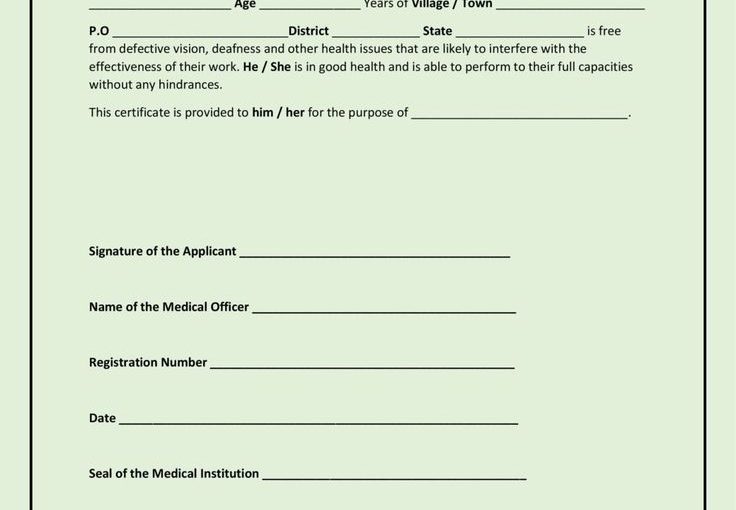
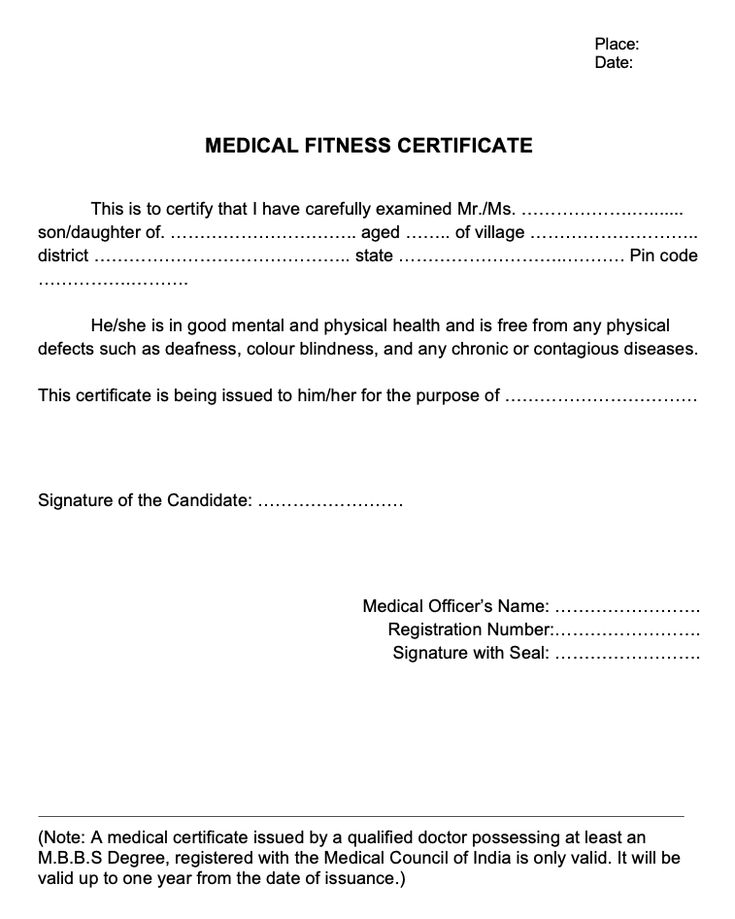
A Medical Fitness Certificate Template is an official document issued by a certified medical practitioner to confirm that a person is physically and mentally fit to perform specific duties, jobs, or activities. It’s a piece of paper that says, “I won’t faint halfway through the shift,” or “I’m cleared to participate without collapsing like a potato.”

Whether you’re applying for employment, travel, or a university program, this certificate verifies that you meet the required health standards. And with a professionally designed medical fitness certificate template, you can streamline the process — making your form look neat, credible, and ready for submission.

Why You Need a Medical Fitness Certificate Template

Think of this document as your body’s resume. It lists your health qualifications — but without the awkward job interview questions. Here’s why a medical fitness certificate is essential:

  1. Employment Requirements: Many companies ask for a fit to work medical certificate template to ensure new hires can perform their duties without risk.
  2. Educational Purposes: Schools, colleges, and training institutes often request health clearance from students before participation in physical or academic activities.
  3. Sports and Competitions: Before you race, dive, or throw yourself into glory (or exhaustion), you’ll need an official fitness clearance.
  4. Travel & Visa Requirements: Some countries require proof of medical fitness before issuing long-term visas.
  5. Peace of Mind: Because sometimes it’s nice to know your blood pressure isn’t secretly plotting against you.

Designing the Perfect Medical Fitness Certificate Template

A well-designed Medical Fitness Certificate Template communicates professionalism and authenticity. You don’t want it to look like a middle-school art project; it should radiate confidence and trust.

Key Elements to Include

  1. Title: Start strong with a clear heading like “Certificate of Medical Fitness” or “Health Fitness Clearance Certificate.”
  2. Personal Information: Full name, age, gender, and address of the individual.
  3. Purpose of Certification: Clearly state the reason (employment, sports participation, travel, etc.).
  4. Medical Examination Details: Include sections for vital signs (BP, heart rate, weight, height, etc.) and any relevant test results.
  5. Doctor’s Declaration: The practitioner’s statement confirming that the person is medically fit.
  6. Signature and Seal: The official mark that transforms your document from “DIY” to “legit.”

Pro Design Tips for a Professional Look

  • Use Clean Layouts: Stick to professional fonts like Arial, Calibri, or Roboto.
  • Color Scheme: Keep it minimal — white, blue, or light green works best for medical documents.
  • Include Space for Official Stamps: Every serious certificate needs a spot for that powerful ink stamp of approval.
  • Avoid Clutter: Remember, this is a health certificate, not a comic book cover.

Fit to Work Medical Certificate Template: Professional Verification Made Simple

The Fit to Work Medical Certificate Template is the superstar of HR departments. It confirms that an employee (or potential employee) is medically fit to perform assigned tasks safely and effectively. This document is essential for ensuring workplace safety and compliance.

What Should Be Included

  1. Employee Information: Full name, job title, and department.
  2. Medical Examination Summary: Doctor’s observations about the employee’s general health, any medical conditions, or physical limitations.
  3. Declaration of Fitness: A simple statement such as: “The above-named individual has been examined and is found fit to perform work duties.”
  4. Signature of Medical Officer: With date and contact information.

How to Write a Clear and Effective Declaration

Keep it concise but professional. Example wording:

“I hereby certify that [Employee Name] has been examined by me and found to be medically fit to perform his/her assigned duties. No medical conditions were found that would interfere with job performance.”

You can adjust this depending on the job type — whether it’s for a corporate position, industrial labor, or an airline pilot who probably shouldn’t sneeze mid-flight.

Get also: Physical Education Certificate Template

Medical Fitness Certificate Form: Structuring Health Assessment the Smart Way

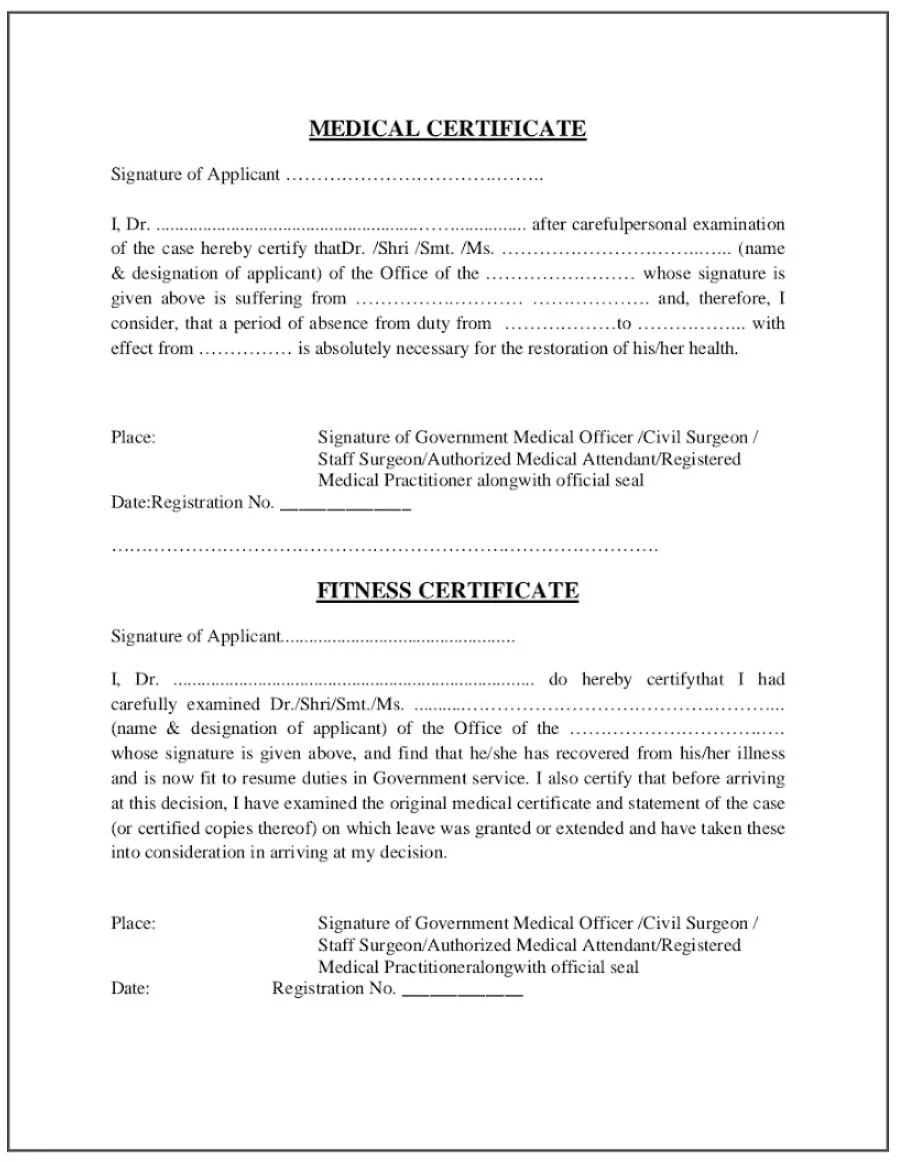
A Medical Fitness Certificate Form acts as a detailed checklist for the examination process. It’s the backbone of documentation — part form, part evidence that you actually visited a doctor and didn’t just download a random PDF.

Sections to Include in a Medical Fitness Certificate Form

  1. Personal Information: Name, age, gender, and contact number.
  2. Medical History: Any past illnesses, allergies, or surgeries.
  3. Physical Examination: Record of height, weight, pulse, blood pressure, and vision.
  4. Clinical Findings: Notes on chest, heart, lungs, and other vital organs.
  5. Doctor’s Opinion: A statement concluding fitness or unfitness for specific activities.
  6. Signature & Date: The medical practitioner’s authentication.

Design and Presentation Tips

  • Use Tables: Helps in neatly organizing test results.
  • Include Guidelines: Add short notes for doctors to specify any conditions or restrictions.
  • Digital-Friendly Format: Make sure it’s fillable in Word or PDF for easy online use.
  • Readable Font Sizes: Because squinting at health data is nobody’s cardio routine.

How to Add Humor and Humanity to Your Template

Even though this is an official document, that doesn’t mean it has to look like it came straight out of a 1980s fax machine. You can make your Medical Fitness Certificate Template both professional and human.

  1. Add Motivational Phrases: “Certified Fit — Ready to Take on the World!”
  2. Use Simple Icons: Heartbeats, stethoscopes, or running silhouettes add visual life.
  3. Include a Short Quote: “Health is wealth” might be cliché, but it works.
  4. Avoid Overcomplicating: Keep humor light; this is still a medical form, not a stand-up set.

Common Mistakes to Avoid When Creating a Medical Fitness Certificate Template

  • Missing Doctor’s Credentials: Without the doctor’s name, license number, and signature, your certificate is as valid as a gym excuse.
  • No Purpose Mentioned: Always specify why the certificate was issued.
  • Incorrect Data Format: Keep measurement units consistent (e.g., kg, cm, mmHg).
  • Unreadable Design: Don’t mix fancy fonts with neon backgrounds.

Creative Uses for Medical Fitness Certificates

  1. Employee Onboarding: Attach it to HR records to verify new hire eligibility.
  2. Sports Events: Use customized certificates for tournaments, marathons, or fitness challenges.
  3. Insurance Claims: A certified health record supports documentation.
  4. Travel Clearance: Especially for international or long-term work visas.
  5. Rehabilitation Milestones: Celebrate recovery achievements with official proof of progress.

Get also: Physical Fitness Certificate Template

Examples of Wording for Medical Fitness Certificates

Here are a few sample lines you can use for authenticity and clarity:

  1. “This is to certify that [Name], aged [XX], has been medically examined and found physically and mentally fit.”
  2. “Based on the clinical evaluation conducted on [Date], [Name] is declared medically fit to undertake professional or physical activities.”
  3. “After thorough medical examination, it is confirmed that [Name] is free from contagious diseases and is in sound physical and mental health.”
  4. “Certified that the above-named person has no medical contraindications that would prevent participation in work or sport.”

These statements maintain a professional tone while ensuring clarity — essential for legal and organizational purposes.

Final Thoughts: Stay Fit, Stay Certified!

A Medical Fitness Certificate Template isn’t just paperwork — it’s proof that you’re healthy, reliable, and ready to go. Whether you’re filling out a fit to work medical certificate template for HR, or completing a medical fitness certificate form for your dream job, remember this: health is your real qualification.

Make your certificate professional, readable, and credible. And if anyone ever doubts your fitness, just hand them your certificate and say, “Certified. By science.” 💪🏥

Physical Fitness Certificate Template (2025 Free Editable Format)

Physical Fitness Certificate Template: Recognize Strength, Sweat, and Spirit!

Let’s face it — physical fitness isn’t just about lifting heavy weights or running a marathon. Sometimes, it’s about surviving a plank without crying or managing one more burpee before gravity wins. But every drop of sweat deserves recognition! That’s where a Physical Fitness Certificate Template steps in — it’s not just a document, it’s a celebration of grit, growth, and glorious muscle cramps.

This post is your ultimate guide to designing the perfect Physical Fitness Certificate Template — from layout ideas to creative award categories, witty writing, and professional touches that make your certificates unforgettable. Whether you’re a fitness trainer, gym owner, or PE teacher, you’re about to become the Michelangelo of motivation.

Why You Need a Physical Fitness Certificate Template

A certificate isn’t just a piece of paper — it’s proof that someone fought through soreness, conquered laziness, and possibly broke a few shoelaces along the way. Giving a Physical Fitness Certificate Template to your clients or students can turn effort into pride.

Here’s why it matters:

  • It motivates consistency. People love milestones — even if it’s just surviving 10 sessions without skipping leg day.
  • It builds loyalty. Recognition keeps gym-goers coming back for more punishment — I mean, workouts.
  • It adds professionalism. A polished certificate makes your program look organized and credible.
  • It’s shareable. People love posting their achievements online. A great design = free marketing.

In short, fitness certificates make muscles and memories stronger.

Designing a Physical Fitness Certificate Template That Inspires Action

The design of your Physical Fitness Certificate Template can make or break its impact. It should feel bold, motivating, and official — something recipients would proudly frame or post online.

Essential Design Elements

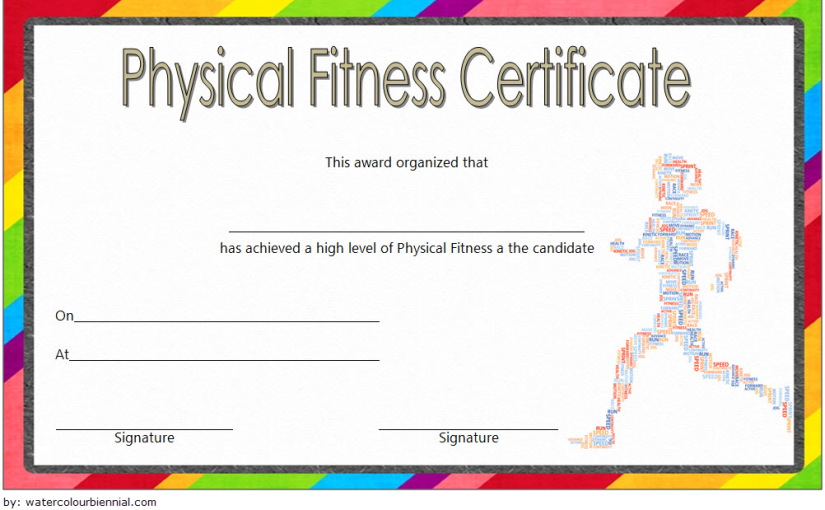
  1. Title & Logo: Start strong with a bold headline like “Certificate of Fitness Achievement” and your gym or school’s logo.
  2. Recipient’s Name: Always highlight the individual. Make it stand out — big, bold, and spelled correctly (no “Jhon” instead of “John” situations).
  3. Achievement Description: What did they accomplish? 30 days of training? A 5K run? Surviving burpees? Be clear and specific.
  4. Signature & Date: Add authenticity with the trainer’s signature and the completion date.
  5. Design Motifs: Use visuals like dumbbells, heartbeat lines, yoga poses, or track icons — all in crisp, motivating styles.

Choosing the Right Color and Typography

Colors influence motivation — red energizes, blue calms, gold celebrates. Mix these wisely to create a balanced look.

  • Bold Colors: Use deep reds, blacks, or metallic golds for an athletic vibe.
  • Clean Fonts: Sans-serif fonts like Montserrat or Bebas Neue scream strength and modernity.
  • Contrast: Keep names and main titles bright and visible against neutral backgrounds.

Get also: Medical Fitness Certificate Template Word

Physical Fitness Award Certificate Template: Celebrate the Champions

Let’s be honest: not everyone finishes first — but everyone can be a winner. The Physical Fitness Award Certificate Template is your way to celebrate progress, not perfection. You can create dozens of custom awards for every type of fitness hero.

Creative Fitness Award Categories

  • Most Improved Athlete – For the one who started with baby steps and now runs like a legend.
  • Cardio King/Queen – For those who treat treadmills like red carpets.
  • Iron Warrior – For the champion of strength training.
  • Yoga Zen Master – For those who can balance on one foot while checking their playlist.
  • No Pain, No Gain Award – Because dedication deserves applause.

Make Recognition Fun and Motivating

Humor + encouragement = unforgettable recognition. Try quirky titles like:

  • “Push-Up Philosopher” – For the one who finds inner peace between reps.
  • “Beast Mode Activated” – For maximum energy and minimal rest days.
  • “Endurance Legend” – For those who never skip cardio day.

These award ideas make your Physical Fitness Award Certificate Template fun to give and priceless to receive.

Get also: Football Certificate Template Free Download

Physical Fitness Certificate Form: Make Achievement Official

A Physical Fitness Certificate Form takes your recognition to the next level. It’s not just for handing out awards—it’s also a record of accomplishment. Perfect for gyms, schools, and training programs, it helps track and validate each participant’s journey.

What to Include in Your Fitness Certificate Form

  1. Participant Information: Name, age, and fitness program enrolled.
  2. Assessment Metrics: Track performance—push-ups count, endurance level, BMI, or flexibility score.
  3. Trainer’s Remarks: Personalized comments build trust and pride.
  4. Completion Date & Certification Level: Whether it’s beginner, intermediate, or advanced, define the milestone.
  5. Official Signature: Gives credibility and authenticity.

Tips for a Professional Yet Fun Form Design

  • Use Simple Layouts: Keep sections clearly divided for easy reading.
  • Add Motivational Quotes: “Stronger every day” or “Discipline beats motivation.”
  • Highlight Progress: Include visual progress bars or icons.
  • Printable & Shareable: Ensure it looks great both in print and PDF form.

Get also: Physical Education Certificate Template

How to Make Your Physical Fitness Certificate Template Unique

Your certificate should reflect your brand and the energy of your community. Here’s how to make it stand out from the crowd:

  1. Add Personalization: Include dynamic elements like participant photos or QR codes linking to their fitness stats.
  2. Use Motivational Icons: Flexing arms, kettlebells, and running silhouettes all scream “achievement.”
  3. Include Fun Language: Ditch the boring tone — go for friendly and energetic!
    • “For outstanding effort in conquering the squat rack!”
    • “Certified legend of leg day!”
  4. Balance Humor & Professionalism: You can be witty without losing authority.

Creative Ideas for Distributing Your Certificates

  • End-of-Program Celebration: Hand out certificates during an event or ceremony. Add music, cheers, and maybe some post-workout snacks.
  • Digital Recognition: Email certificates as PDFs — perfect for social media sharing.
  • Progress Milestones: Award certificates at each stage: 30-day challenge, 100 push-ups completed, or yoga flexibility goals.

The point is simple: make recognition visible and meaningful.

Pro Design Tips for Your Physical Fitness Certificate Template

  • Maintain Symmetry: Keep everything aligned to maintain a clean, professional appearance.
  • Add Depth: Use subtle shadows or gradients for a 3D look.
  • Include Space for Signatures: Trainers and coordinators can personalize each certificate.
  • Balance Text and Graphics: Avoid overloading with too many icons — keep the focus on achievement.
  • Use High-Quality Print Formats: Make sure the final file is print-ready in 300 DPI.

Creative Wording Examples for Fitness Certificates

  1. “This certifies that [Name] has demonstrated extraordinary discipline and commitment to physical fitness.”
  2. “Awarded to [Name] for achieving outstanding performance in strength, endurance, and teamwork.”
  3. “For showing exceptional perseverance, dedication, and heart during the fitness journey.”
  4. “Because effort deserves recognition — and sweat deserves a certificate!”

Each line adds emotion, humor, and authenticity to your Physical Fitness Certificate Template.

Final Thoughts: Fitness, Fun, and Fierce Determination!

A Physical Fitness Certificate Template is more than recognition — it’s motivation on paper. It’s that silent coach whispering, “You did it!” and the trophy for those who don’t like dusting trophies.

Whether you’re crafting a Physical Fitness Award Certificate Template for gym warriors or designing a Physical Fitness Certificate Form for structured programs, remember one rule: celebrate progress, not perfection.

Because at the end of the day, fitness isn’t about lifting the heaviest weight — it’s about lifting yourself, again and again. 💪🏆

Physical Education Certificate Template: 2025 Free Fascinating Designs

Physical Education Certificate Template: Celebrate Fitness, Fun, and Fabulous Form!

Let’s be honest—physical education is one of those subjects that separates the athletic from the “I-forgot-my-shoes” crowd. Whether it’s sprinting like you’re escaping Monday mornings or doing push-ups that look suspiciously like naps, PE deserves recognition! That’s why a Physical Education Certificate Template isn’t just a piece of paper—it’s a moment of glory, a badge of sweat-earned honor, and sometimes, a well-deserved participation award for simply showing up.

This post dives deep into creating, designing, and writing the perfect Physical Education Certificate Template that celebrates strength, spirit, and the sheer courage of wearing gym shorts in winter. So, grab your whistle and let’s get started!

Why a Physical Education Certificate Template Matters More Than You Think

A PE certificate isn’t just an end-of-semester formality—it’s a confidence booster, a memory maker, and a motivation to keep moving. In a world where TikTok challenges count as cardio, recognizing real physical effort is priceless.

Here’s why a Physical Education Certificate Template is a must-have for every school, sports camp, or fitness program:

  • Motivates Students: Nothing says “You did great!” like a shiny certificate that proves you can, in fact, survive dodgeball.
  • Encourages Lifelong Fitness: Recognition builds positive associations with physical activity, not just grades.
  • Builds Confidence: A little printed praise can turn a reluctant runner into a future athlete.
  • Adds Fun to Education: Certificates bring joy to what’s often seen as “mandatory exercise hour.”

A certificate might not replace muscle soreness, but it sure makes it feel more rewarding.

Designing the Ultimate Physical Education Certificate Template

Think of your Physical Education Certificate Template as your school’s version of an Olympic medal—it should look great, feel official, and carry a touch of humor. The design sets the tone for how students will remember their achievements.

Key Design Elements for a Perfect Template

  1. Name of Recipient: No typos, please. It’s not “Jonh” if his name is “John.”
  2. Title of Achievement: From “Best Team Player” to “Marathon of the Month,” make it meaningful.
  3. Instructor’s Signature: The stamp of authority—and the proof that you actually did those 20 sit-ups.
  4. Date & Event Name: Whether it’s the annual sports day or the semester PE finale, context matters.
  5. Logo or Emblem: School or organization logos make it look polished and official.

Choosing the Right Style and Theme

A great Physical Education Certificate Template captures the energy of movement. Consider these themes:

  • Classic Athletic Look: Bold borders, trophy icons, and clean typography.
  • Fun & Playful: Bright colors, cartoon athletes, and dynamic fonts that scream “sports spirit.”
  • Minimalist Design: Perfect for modern schools—sleek, professional, and timeless.
  • Vintage Sports Poster Style: For that retro PE nostalgia from when tracksuits ruled the earth.

Pro tip: Use action-focused imagery like running silhouettes, basketballs, or finish lines. It adds motion and motivation to the layout.

Get also: Free Editable Swimming Certificate Template

Physical Education Award Certificate Template: Because Every Effort Deserves Applause

Not everyone can do a perfect pull-up, but everyone deserves recognition for trying! That’s where the Physical Education Award Certificate Template comes in—it’s your way of saying, “Hey, you gave it your best shot, and we noticed!”

Creative Award Categories That Keep Students Engaged

  • Most Improved Athlete – For the one who went from “I hate running” to “When’s track day?”
  • Team Spirit Hero – Because cheering counts as cardio.
  • Future Coach Award – For the natural leader on the field.
  • Perfect Attendance (Even in the Rain) – Commitment should always be rewarded.
  • Flexibility King/Queen – For that one student who can touch their toes without crying.

Balancing Humor and Honor

Humor makes recognition more memorable. Add playful award titles like:

  • “Fastest Water Bottle Refill”
  • “MVP: Most Valuable PE-rson”
  • “Certified Dodgeball Survivor”

These little touches turn a standard Physical Education Award Certificate Template into something students actually want to show off.

Get also: Free Physical Fitness Certificate Template

PE Certificate Template: A Celebration of Strength and Spirit

Your PE Certificate Template should be more than just an attendance award—it should radiate positivity and accomplishment. The secret? Personalization and thoughtful design.

Personalization Tips That Make Every Certificate Unique

  • Include a Motivational Quote: “Push yourself because no one else is going to do it for you.” or “Sweat is just fat crying.” (Okay, maybe not the second one.)
  • Add Event Details: Highlight the competition name, sport type, or grade level.
  • Use Dynamic Fonts: Combine bold headers with stylish cursive for names.
  • Include Space for Notes: Coaches can add handwritten compliments—it adds emotional value.

Color and Typography That Pop

  • Colors: Stick to energetic shades like red, blue, or gold. They radiate confidence and excitement.
  • Fonts: Use athletic, sans-serif fonts for strength and clarity. Avoid Comic Sans—it’s the push-up of bad design.
  • Visuals: Add icons of running shoes, stopwatches, or sports balls for flair.

Design Tips to Make Your Physical Education Certificate Template Stand Out

Creating an impactful certificate isn’t rocket science—it’s art with a side of cardio. Follow these tips:

  1. Balance White Space: Don’t clutter your design. Let it breathe.
  2. Keep Consistency: Use similar colors and fonts across all your certificates.
  3. Make It Print and Digital Friendly: Whether framed in the hallway or shared on Instagram, it should look sharp.
  4. Add Interactive QR Codes: Link to performance videos or event highlights.
  5. Use Humor Smartly: It keeps things light without diminishing the achievement.

Check this out: Free Martial Arts Certificate Templates

Celebrating Physical Education Achievements Beyond the Gym

PE isn’t just about physical fitness—it teaches teamwork, discipline, and resilience. Recognizing that growth with a Physical Education Certificate Template builds motivation that lasts long after the last whistle blows.

Certificate Ideas for Different Levels

  • Elementary Level: Fun, colorful, cartoonish templates—think stars, smiley faces, and jump ropes.
  • Middle School Level: Balanced designs that mix fun with a hint of competition.
  • High School & Adult Programs: Sleek, modern templates with strong typography and minimalist color schemes.

Creative Wording Ideas for Your Certificates

Don’t just write “Good Job.” Spice it up with:

  • “For exceptional enthusiasm in every physical challenge.”
  • “Awarded for outstanding endurance and effort in PE activities.”
  • “Recognized for turning sweat into success.”

Add your personality—students love certificates that sound human, not robotic.

Get also: Free Athletic Certificate Templates

Final Thoughts: Sweat, Smile, and Celebrate!

A Physical Education Certificate Template is more than an award—it’s a snapshot of dedication, fun, and the joy of movement. Whether you’re designing a Physical Education Award Certificate Template for top athletes or a PE Certificate Template for participation heroes, make it colorful, creative, and filled with positive energy.

Because at the end of the day, physical education isn’t about who runs the fastest—it’s about learning the value of persistence, teamwork, and giving your best. So, design those certificates with pride, hand them out with enthusiasm, and remind everyone that effort always deserves applause.

After all, in the grand game of life, showing up and giving it your all is the biggest win of all. 🏆💪

Exit mobile version